
Deploy an assistant
Move from testing to a live assistant endpoint only after quality is acceptable.
Deployment makes an assistant available outside the setup flow.
Deploy only after the playground tests are useful and repeatable.
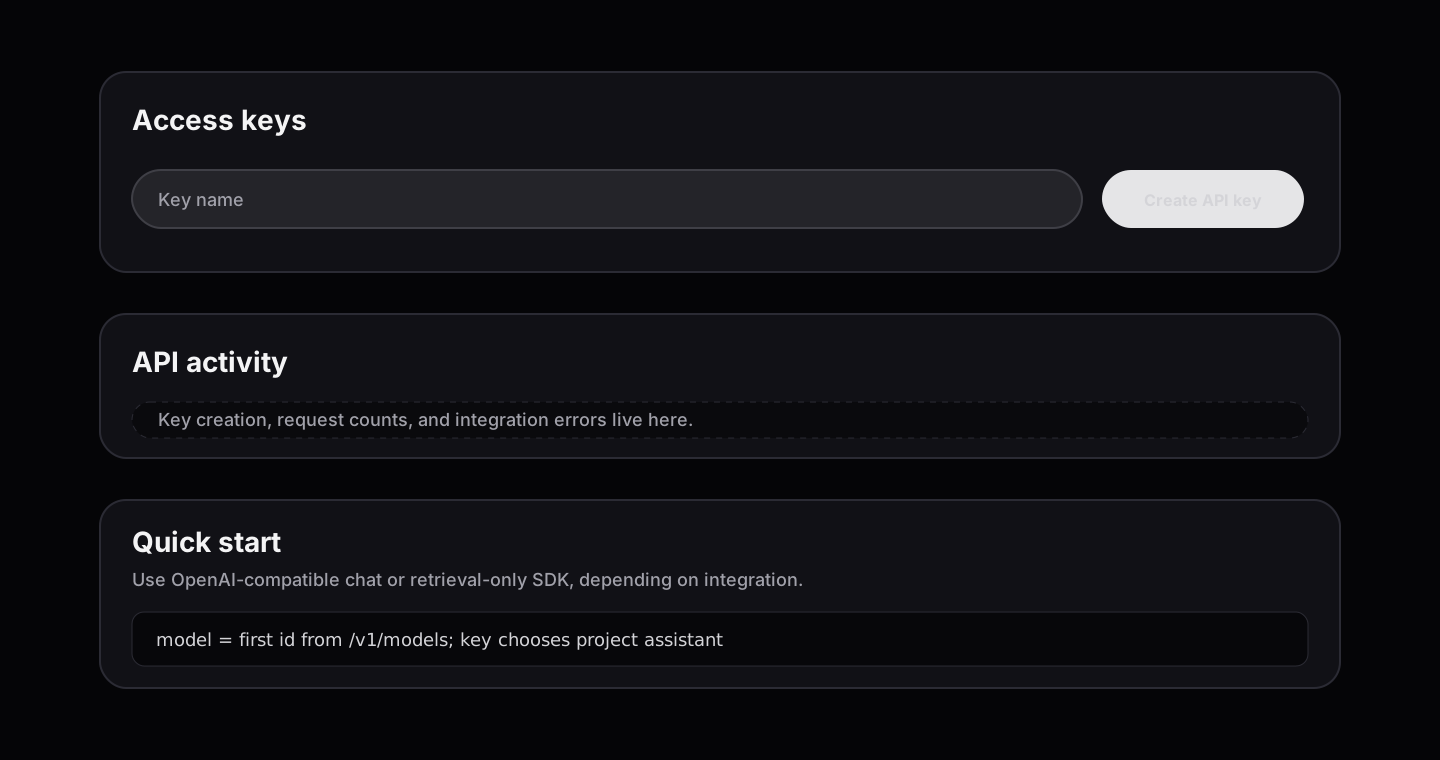
The project API key identifies the deployed assistant. Keep provider keys and internal endpoint details out of customer integrations.
Before deployment
Confirm:
- the assistant has one clear purpose
- the main sources are current
- risky questions have been tested
- the team knows what the assistant should not answer
- ownership of updates is clear
- billing and usage expectations are understood
API keys
API keys allow another system to call the deployed assistant.
Treat API keys like passwords:
- create keys only for systems that need them
- do not paste keys into public issues, docs, or chats
- rotate a key if it may have been exposed
- remove keys that are no longer used
Integration workflow
- Create key name that describes owner and environment.
- Store key in backend secret manager, never browser code.
- Call
GET /v1/modelsand use returned model id. - Send chat requests to compatible assistant endpoint.
- Watch API activity for errors after first traffic.
- Rotate key when owner, app, or environment changes.
Retrieval-only workflow
Use the RAG SDK when you need retrieved context for your own app flow instead of full assistant chat.
import { ReticuliRagClient } from "@reticuli-ai/rag-sdk";

const rag = new ReticuliRagClient({
  apiKey: process.env.RETICULI_API_KEY,
});

const result = await rag.query("What does current policy say?");
After launch
Keep watching runs and user feedback. Good assistants improve after launch because teams see real usage and update sources, examples, and prompts.
When to pause deployment
Pause or delay deployment when:
- the assistant performs well only on demo prompts
- source ownership is unclear
- users may treat output as legal, medical, financial, or safety-critical advice
- no one is responsible for updates