
Create a project
Set up a project with a clear job, a clean first source set, and a testable launch path.
A project should not be a dumping ground. It should be a controlled assistant for one job.
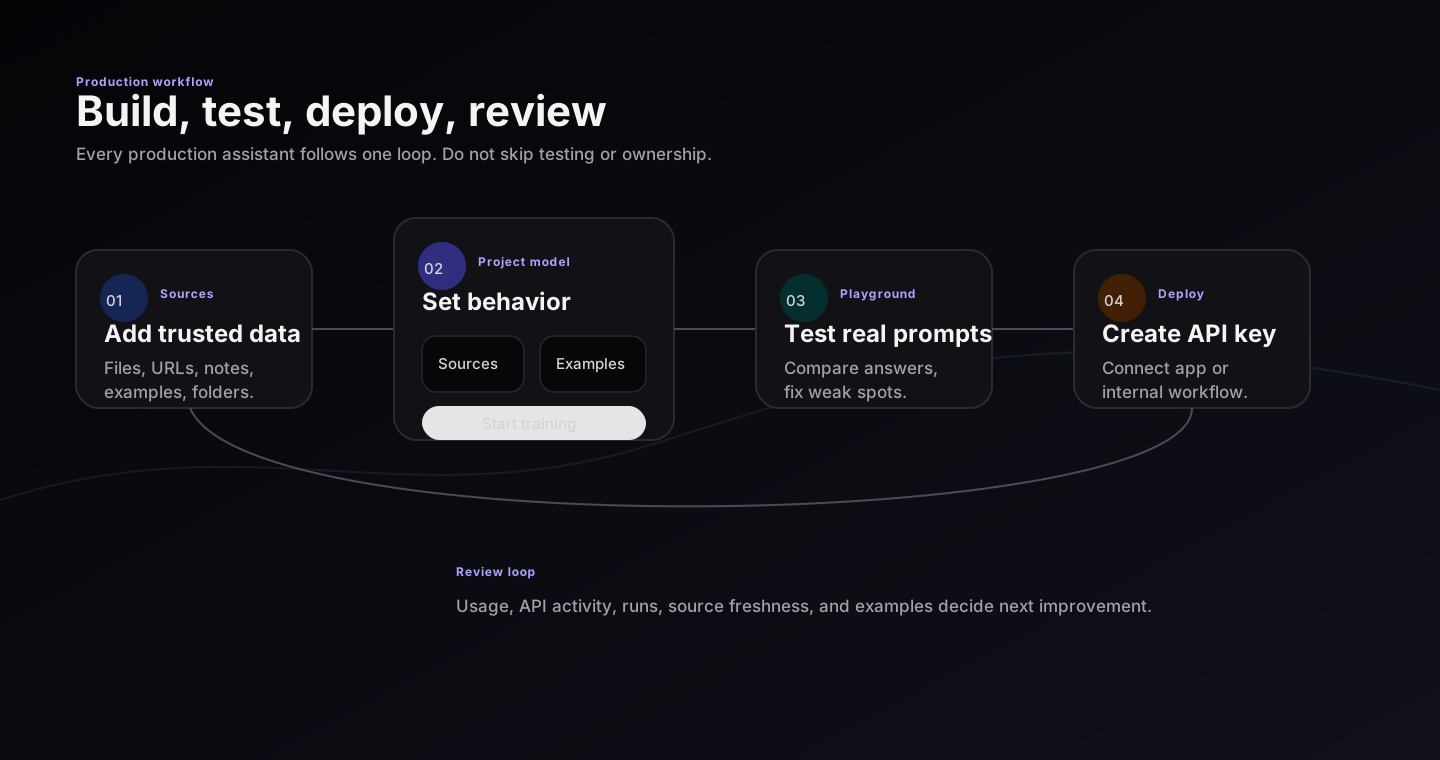
Create project is only the first step. Production readiness comes from source review, playground tests, deployment, and usage review.
Step 1: Name the job
Use a name that tells the team what the assistant does:
- Support billing assistant
- HR onboarding assistant
- Product docs assistant
- Legal clause review assistant
Avoid vague names such as AI Bot, General Helper, or Knowledge Base.
Step 2: Write assistant brief
The brief should include:
- who the assistant helps
- what it should do
- what it should refuse or escalate
- what tone it should use
- which sources matter most
Use direct rules. Example:
Help support team answer billing questions from approved help docs. If refund policy is missing or unclear, say what is missing and escalate.
Step 3: Add first data
Add only the best material first. Test it. Then add more.
| Data type | Best for |
|---|---|
| Files | Policies, manuals, playbooks, PDFs, exports |
| URLs | Help center pages, public docs, product pages |
| Pasted notes | Small instructions that do not live in a file yet |
| Dataset examples | Good question-answer pairs and preferred response patterns |
Step 4: Review canvas
Confirm:
- each source has expected type and status
- folders organize sources without hiding bad files
- duplicate or outdated documents are removed
- training examples are approved before they influence behavior
Step 5: Save and test
After setup, open the playground and ask real questions. Do not deploy from the setup screen.
Good first test set
Create 10 prompts before editing answers. Include easy, hard, missing-info, and should-refuse questions.